

The authentication flows of SecureCloud
The authentication can be done using Account-Token or Repo-Token. All API calls must be authenticated with a valid SecureCloud API token and all requests require an authorization header that looks like this:
Authorization: Token {{Account-Token, Repo-Token}}
For versions newer than 10.x, 'Token' should be replaced with 'Bearer'.
Authorization: Bearer {{Account-Token, Repo-Token}}
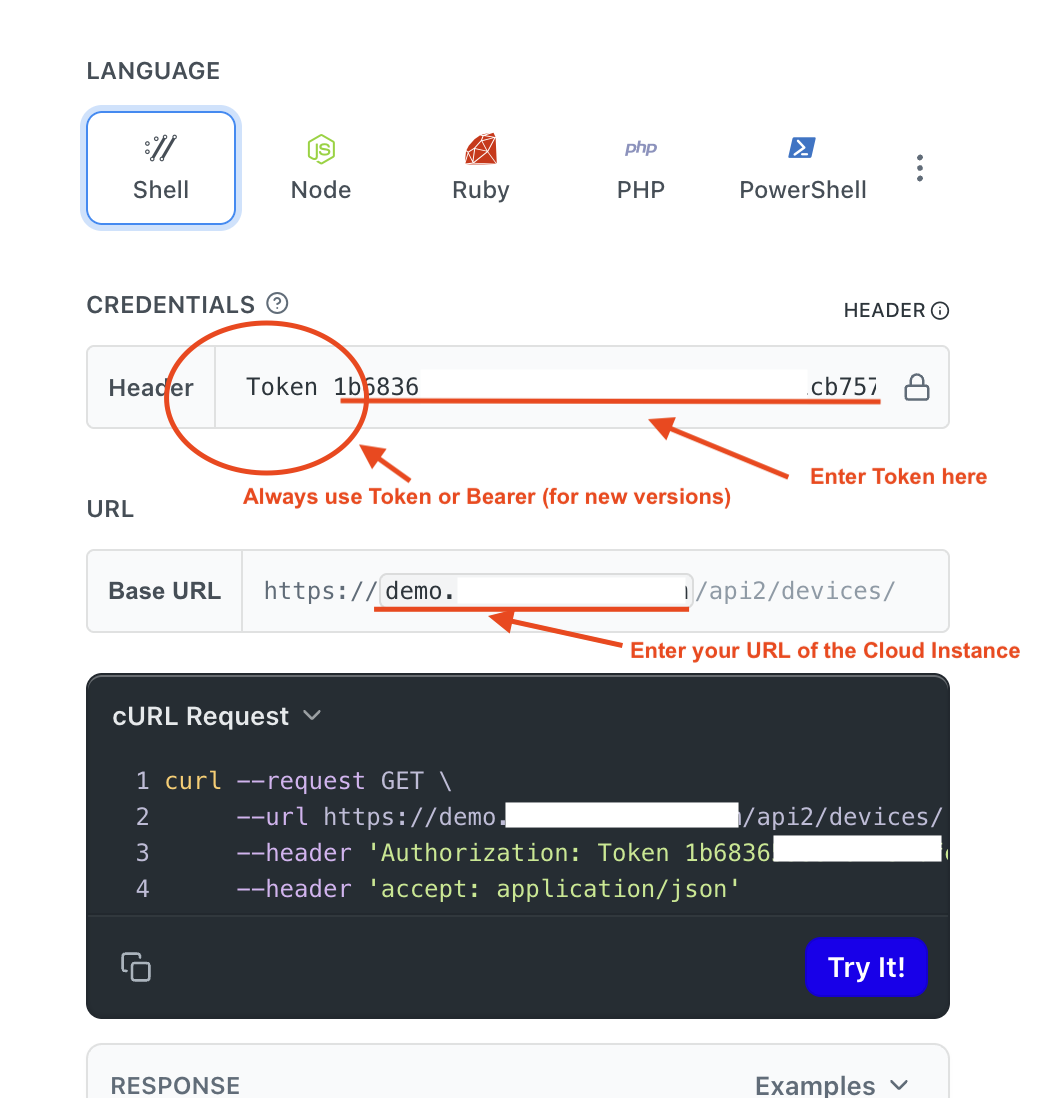
Token options
Account-Token
An Account-Token is generated with your account name and password. Most APIs can be called with an account token. To obtain the token, use https://{server}/api2/auth-token/ as referred here.
Repo-Token
A Repo-Token is like a password to use the APIs of a single library. You can create as many Repo-Token per library as you want. Every Repo-Token can have read or write permissions. This token is valid until you delete them. If a user only needs to manipulate the contents of a specific library, it is more secure to use the repo API token.
To obtain the token, use https://{server}/api/v2.1/repos/{repo_id}/repo-api-tokens/as referred here.
You can generate a Repo-Token for a library via the Web UI, in "Library context menu -> API Token".
